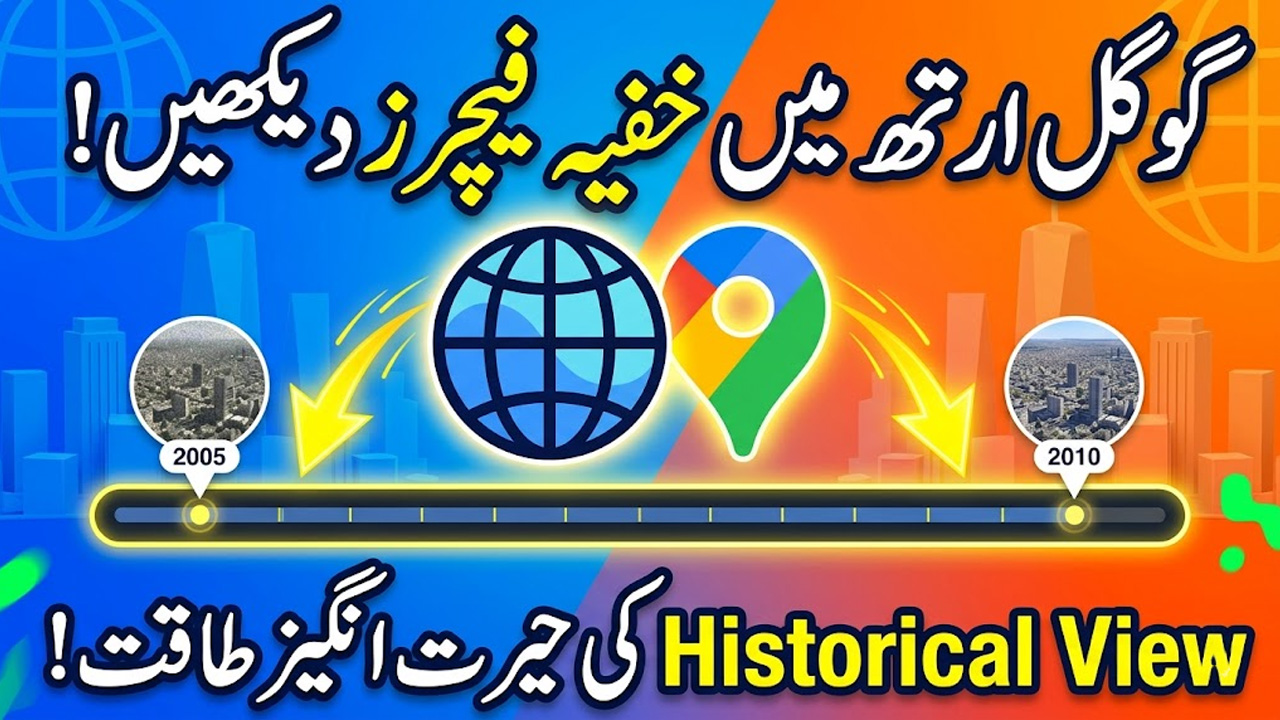
🌍 Google Earth App Guide 2026 – Complete Features & How to Use It
Introduction
Aaj ke digital zamane mein duniya ko explore karna ab sirf travel tak limited nahi raha. Ab aap apne mobile ya computer se poori duniya ko 3D mein dekh sakte hain, aur yeh possible banata hai Google Earth.
Is app ki sab se amazing baat yeh hai ke aap kisi bhi location ka purana time dekh sakte hain—5 saal, 10 saal, 15 saal ya even 20 saal pehle woh jagah kaisi thi. Is article mein hum aapko Google Earth ke tamam features, usage aur hidden tools detail mein samjhayenge.
🌐 Google Earth Kya Hai?
Google Earth ek advanced satellite mapping software hai jo users ko duniya ko 3D maps, satellite images aur real-world visuals ke zariye explore karne ki facility deta hai.
Is app ka main purpose yeh hai ke aap:
- Kisi bhi location ko zoom karke dekh sakte hain
- Earth ko 3D model mein explore kar sakte hain
- Purani satellite images dekh sakte hain
- Street level par roads aur buildings ko view kar sakte hain
🛰️ Google Earth Ke Major Features
Google Earth sirf map app nahi hai, balki ek powerful exploration tool hai.
🌍 1. 3D Earth View
Aap poori duniya ko 3D structure mein dekh sakte hain:
- Mountains
- Cities
- Buildings
- Rivers aur oceans
Is feature se aap real-life jaisa experience le sakte hain.
🕰️ 2. Historical Imagery (Time Travel Feature)
Ye Google Earth ka sab se unique feature hai.
Is feature se aap:
- 5 saal purani location dekh sakte hain
- 10–20 saal purani images access kar sakte hain
- Dekh sakte hain ke koi jagah time ke sath kaise change hui
Example:
Agar aap kisi city ke center par kharay hain, to aap dekh sakte hain ke wahan pehle kya tha—khaali plot, purani buildings ya kuch aur.
🚶 3. Street View
Google Street View ke zariye aap real streets ko ground level se dekh sakte hain.
Features:
- Roads ko walk jaisa experience
- Shops aur buildings ka real view
- Navigation easy ho jata hai
- Famous places ko close-up dekh sakte hain
🏔️ 4. 3D Buildings & Terrain
Google Earth ka 3D mode aapko real environment feel deta hai:
- Skyscrapers realistic shape mein
- Hills aur mountains depth ke sath
- Cities ka full 3D map
📍 5. Live Location & Navigation
Aap kisi bhi jagah ko search karke:
- Uska exact location dekh sakte hain
- Directions samajh sakte hain
- Distance calculate kar sakte hain
🧭 6. Voyager Mode (Explore Feature)
Is feature mein aap guided tours le sakte hain:
- Famous places ki virtual tours
- Nature exploration
- Historical sites ka detailed view
🗺️ 7. Satellite View
Is mode mein aap:
- Real satellite images dekhte hain
- Earth ko space se view kar sakte hain
- Natural landscapes clearly observe kar sakte hain
📲 Google Earth Kaise Use Karein? (Step-by-Step Guide)
Step 1: App Install Karein
- Play Store ya App Store se Google Earth install karein
Step 2: Open & Search Location
- Search bar mein city ya place type karein
Step 3: Zoom & Explore
- Pinch zoom karke area close ya wide view karein
Step 4: 3D Mode Enable Karein
- Buildings aur terrain ko 3D mein dekhne ke liye option enable karein
Step 5: Historical View Use Karein
- Timeline option select karein
- Purani images scroll karein
Step 6: Street View Use Karein
- Yellow man icon drag karein
- Street level view enjoy karein
👍 Google Earth Ke Benefits
- Duniya ko virtual explore karne ka chance
- Educational purposes ke liye best tool
- Travel planning easy ho jati hai
- Historical changes samajh aate hain
- Real-world geography learning improve hoti hai
⚠️ Tips & Safety Guidelines
- Always updated version use karein
- Internet connection strong rakhein
- Location permission carefully allow karein
- Educational use ke liye best hai
- Fake third-party apps se bachain
❓ FAQs – Google Earth Guide
1. Kya Google Earth free hai?
Haan, Google Earth completely free app hai.
2. Kya isme purani images dekh sakte hain?
Haan, historical imagery feature se aap purani satellite images dekh sakte hain.
3. Kya Google Earth live view show karta hai?
Ye real-time live video nahi hota, lekin updated satellite images provide karta hai.
4. Kya Street View har jagah available hai?
Nahi, kuch areas mein Street View available hota hai aur kuch mein nahi.
5. Kya Google Earth mobile aur PC dono par use hota hai?
Haan, ye dono platforms par available hai.
🏁 Conclusion
Google Earth ek powerful mapping aur exploration tool hai jo aapko duniya ko bilkul real experience ke sath dekhne ki facility deta hai.
Iska historical imagery feature, 3D view, Street View aur Voyager mode isay ek complete learning aur exploration platform banate hain.
Agar aap geography, travel ya world exploration mein interest rakhte hain, to Google Earth aap ke liye ek must-use tool hai.