Introduction
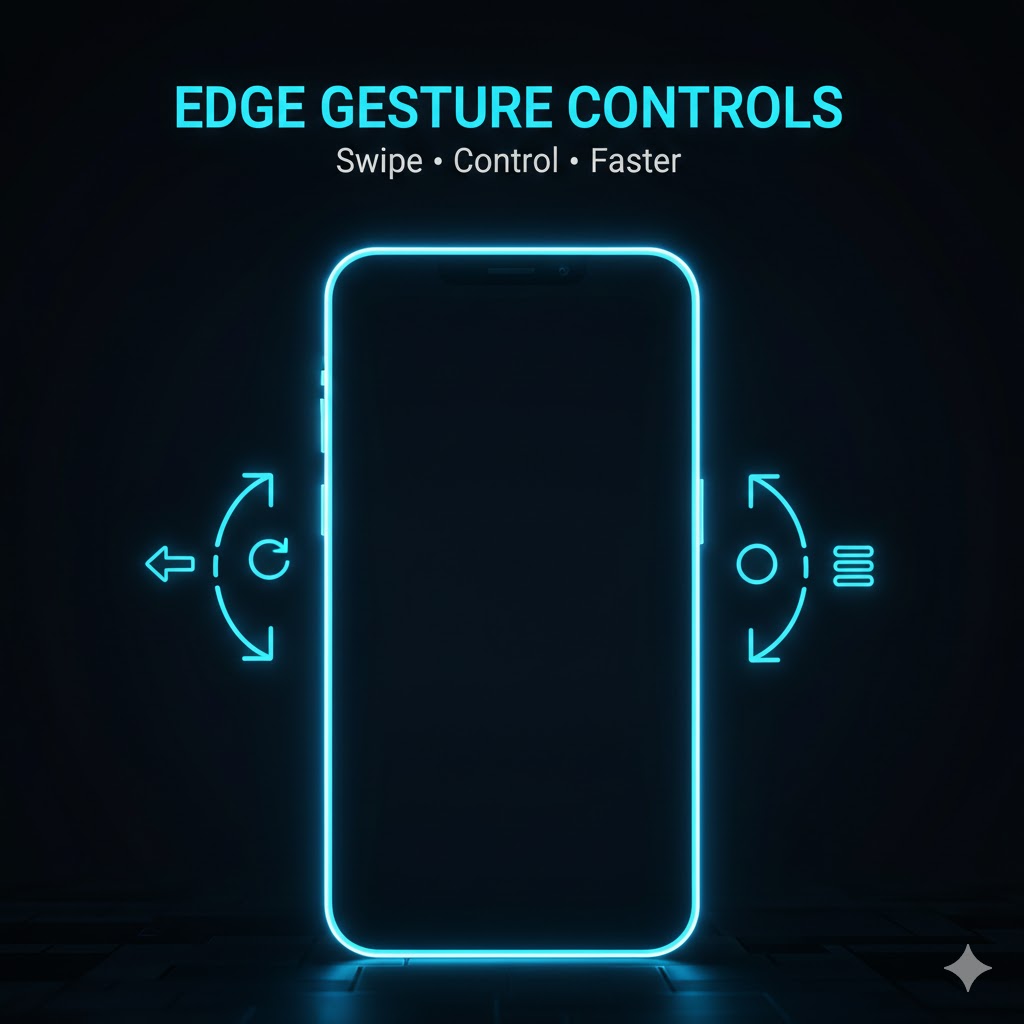
Edge Gesture Controls smartphone users ke liye ek smart aur modern feature hai jo phone use karna aur zyada fast, smooth aur convenient bana deta hai. Aaj ke time mein jab hum mobile phones par almost har kaam karte hain — social media, calls, videos, editing, gaming — to buttons par depend rehna kabhi kabhi slow lagta hai.
Edge Gesture Controls ki madad se aap screen ke edges se swipe karke multiple actions perform kar sakte hain. Chahe back jana ho, recent apps open karni ho, ya koi favorite app launch karni ho — sab kuch sirf ek gesture se possible hai.
Is article mein hum detail se cover karenge ke Edge Gesture Controls kya hote hain, kaise kaam karte hain, unke benefits kya hain, aur kaise aap apne Android phone par inhein effectively use kar sakte hain.
What Are Edge Gesture Controls?
Edge Gesture Controls ek gesture-based navigation system hai jo phone ki screen ke left, right, ya bottom edges ko use karta hai. Physical buttons ya on-screen navigation ke bajaye, aap swipe gestures se phone control karte hain.
Yeh system zyada tar Android phones mein available hota hai — ya to built-in feature ke tor par, ya phir third-party apps ke zariye.
Why Edge Gesture Controls Are Becoming Popular
Edge Gesture Controls ki popularity rapidly increase ho rahi hai, aur iski wajah bilkul clear hai:
-
One-hand phone usage easy ho jata hai
-
Screen space zyada milti hai
-
Navigation fast hoti hai
-
Modern & clean UI experience
-
Physical buttons par pressure kam hota hai
Aaj kal bezels kam hote ja rahe hain, aur gesture controls phone ke design ke sath perfectly match karte hain.
How Edge Gesture Controls Work
Edge Gesture Controls simple logic par kaam karte hain. Jab aap:
-
Left edge se swipe karte hain
-
Right edge se swipe karte hain
-
Bottom edge se swipe karte hain
To phone us gesture ko ek specific command ke sath link kar deta hai.
Example ke tor par:
-
Left swipe = Back
-
Right swipe = Recent Apps
-
Bottom swipe = Home
Yeh commands aap apni need ke mutabiq customize bhi kar sakte hain.
Key Features of Edge Gesture Controls
Edge Gesture Controls ke kuch powerful features yeh hain:
-
Fully customizable gestures
-
Single swipe, double swipe & long swipe support
-
App shortcuts assign karne ka option
-
Screenshot, volume, brightness controls
-
Floating edge indicators (optional)
In features ki wajah se aap apna phone apni style mein control kar sakte hain.
Benefits of Using Edge Gesture Controls
Edge Gesture Controls use karne ke bohot se benefits hain:
Faster Navigation
Buttons press karne ke bajaye swipe karna zyada fast hota hai.
Better One-Hand Use
Large screen phones mein ek haath se use karna easy ho jata hai.
Clean Screen Look
Navigation bar hide ho jati hai jis se screen zyada clean lagti hai.
Less Button Damage
Physical buttons ki life zyada ho jati hai.
Edge Gesture Controls vs Traditional Navigation Buttons
| Feature | Edge Gesture Controls | Navigation Buttons |
|---|---|---|
| Speed | Very Fast | Normal |
| Screen Space | More | Less |
| Customization | High | Limited |
| One-Hand Use | Easy | Difficult |
| Modern Feel | Yes | Old Style |
Is comparison se clearly pata chalta hai ke Edge Gesture Controls modern smartphones ke liye zyada suitable hain.
How to Enable Edge Gesture Controls on Android
Method 1: Built-in Gesture Settings
-
Settings open karein
-
System Navigation par jayein
-
Gesture Navigation select karein
-
Edge gestures enable karein
Method 2: Using Edge Gesture Control Apps
Agar phone mein built-in option nahi hai, to aap Play Store se third-party apps use kar sakte hain jo edge gesture controls provide karti hain.
Best Uses of Edge Gesture Controls
Edge Gesture Controls in situations mein bohot useful hote hain:
-
Social media scrolling
-
Video watching
-
Gaming (without navigation bar distraction)
-
Multitasking
-
Content creation
Especially jab aap Reels, Shorts ya TikTok bana rahe hote hain, to gestures ka use workflow fast kar deta hai.
Customization Tips for Better Experience
-
Sensitivity medium rakhein
-
Accidental touches avoid karne ke liye edge width adjust karein
-
Frequently used apps assign karein
-
Advanced gestures kam use karein
Customization sahi ho to experience bohot smooth ho jata hai.
Are Edge Gesture Controls Safe to Use?
Haan, Edge Gesture Controls bilkul safe hote hain agar aap trusted sources se use karein. Built-in system gestures to bilkul secure hote hain. Third-party apps use karte waqt permissions carefully read karni chahiye.
Common Problems and Solutions
Problem: Accidental swipes
Solution: Sensitivity kam kar dein
Problem: Gestures not responding
Solution: App restart ya settings reset karein
Problem: App compatibility issues
Solution: Latest version use karein
Who Should Use Edge Gesture Controls?
Edge Gesture Controls in logon ke liye best hain:
-
Android power users
-
Content creators
-
Large screen phone users
-
Users who want faster navigation
Agar aap efficiency aur speed pasand karte hain, to yeh feature aap ke liye perfect hai.
Conclusion
Edge Gesture Controls smartphone use karne ka ek modern aur smart tareeqa hai. Yeh na sirf aap ke phone ko fast banata hai, balkay overall user experience ko bhi improve karta hai. Buttons ke bajaye gestures ka use future ka trend hai, aur aaj hi isay adopt karna ek smart decision hai.
Agar aap apne phone ko faster, cleaner aur smarter banana chahte hain, to Edge Gesture Controls zaroor try karein.
DOWNLOAD
Internal Link
- You can internally link this article with your “Making Money Online from Fiverr: A Comprehensive Guide” post