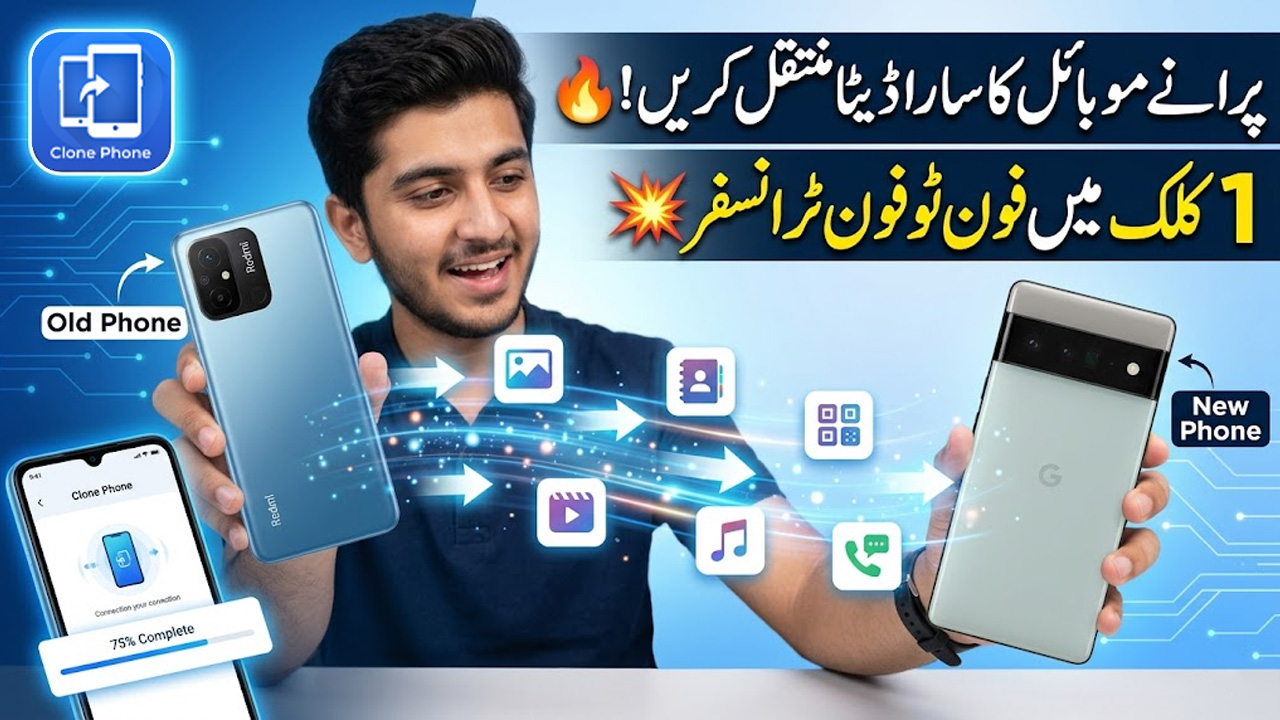
📱 Clone Phone App – Transfer All Data from Old Phone to New Phone (Complete Guide)
Buying a new smartphone is exciting, but transferring all your data from your old device can feel complicated. Luckily, with the Clone Phone data transfer method, you can easily move everything from your old phone to your new phone in just a few minutes.
In this guide, you will learn how to clone a phone and transfer complete data, including contacts, messages, photos, videos, apps, and more.
🔍 What is Clone Phone App?
The Clone Phone app is a powerful mobile data transfer tool that allows users to copy all data from one phone to another without using cables or complicated steps.
It works wirelessly and transfers:
- Contacts & phone numbers
- Call logs
- SMS messages
- Photos & videos
- Audio files
- Apps & app data
- Documents
🚀 Why Use Clone Phone Data Transfer?
Here are some reasons why people use phone clone apps:
- Quick and easy setup
- No internet required (uses hotspot)
- Transfer large files instantly
- Safe and secure data transfer
- Perfect for switching to a new phone
⚠️ Things to Do Before Transferring Data
Before starting the process, make sure:
✅ Charge Both Phones
Keep both devices at least 50% charged
📶 Keep Phones Close
Devices should be near each other for better connection
🔓 Unlock Both Devices
Make sure both phones are accessible
🔧 How to Transfer Data Using Clone Phone App
Follow these simple steps to perform clone phone data transfer:
Step 1: Install Clone Phone App
Download and install the Clone Phone app on both devices.
Step 2: Open App on Both Phones
- On old phone → Select This is Old Phone
- On new phone → Select This is New Phone
Step 3: Connect Both Devices
- A QR code will appear on the new phone
- Scan it using the old phone
Step 4: Select Data to Transfer
Choose what you want to transfer:
- Contacts
- Messages
- Photos & Videos
- Apps
- Documents
Step 5: Start Transfer
Tap on Start Transfer and wait until the process is completed.
🔄 How Long Does Data Transfer Take?
Transfer time depends on data size:
- Small data → Few minutes
- Large data (videos, apps) → 10–30 minutes
📲 What Data Can Be Cloned?
With phone clone app, you can transfer:
- 📞 Contacts
- 💬 Messages
- 📸 Photos
- 🎥 Videos
- 📁 Files
- 📲 Applications
⚡ Benefits of Using Clone Phone App
- No cables required
- Fast wireless transfer
- Easy for beginners
- Works on most Android devices
- Saves time and effort
⚠️ Limitations
- Some apps may require login again
- Very large files may take time
- Both devices must stay connected
🔚 Final Thoughts
Using the Clone Phone data transfer method is one of the easiest ways to move your complete mobile data from an old phone to a new one. Whether you are upgrading your device or switching phones, this method ensures that nothing important is left behind.
Just follow the steps carefully, and within minutes, your new phone will feel exactly like your old one.
❓ FAQs
1. Can I transfer all data using Clone Phone?
Yes, almost all data including contacts, media, and apps can be transferred.
2. Does Clone Phone require internet?
No, it works using a direct wireless connection.
3. Is Clone Phone safe?
Yes, it is secure and does not store your data online.