Introduction
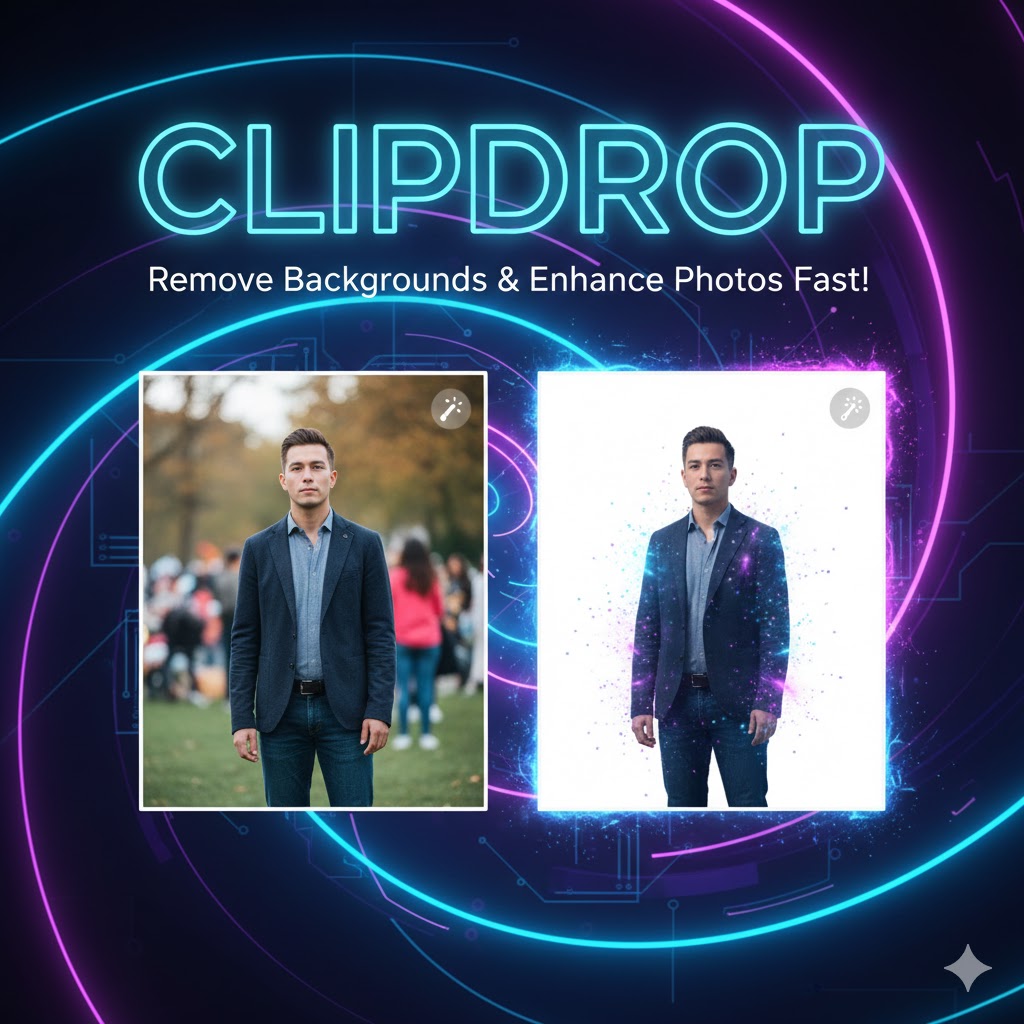
Clipdrop ek AI-based image editing aur content creation tool hai jo creators, designers, aur professionals ke liye specially design kiya gaya hai. Is tool ki madad se aap images ka background remove, objects copy-paste karna, aur photos enhance karna instantly kar sakte hain.
Aaj ke digital aur creative era mein, high-quality visuals ki demand bohot zyada hai, aur Clipdrop time-saving aur professional results provide karta hai.
Is article mein hum detail mein cover karenge ke Clipdrop kya hai, kaise kaam karta hai, features, benefits, aur tips.
What is Clipdrop?
Clipdrop ek AI-powered web aur mobile tool hai jo creatives aur content creators ke liye fast editing provide karta hai. Yeh tool specially design kiya gaya hai:
-
Image background remove karne ke liye
-
Objects instantly copy-paste karne ke liye
-
Image enhancement aur upscaling ke liye
Clipdrop ki AI objects, edges, aur details ko accurately detect kar ke professional-grade result deliver karti hai, without manual editing.
Key Features of Clipdrop
-
Background Removal
-
Single click me background remove karein
-
Transparent, solid color, ya custom background add karein
-
-
Object Capture / Copy-Paste
-
Physical objects ko scan kar ke digital transfer
-
Instantly apps ya projects mein use karein
-
-
AI Image Enhancement
-
Improve resolution, color correction, aur brightness
-
Professional touch without complex software
-
-
Augmented Reality (AR) Preview
-
Objects ko virtual environment me place karke preview karein
-
-
Multi-Platform Support
-
Windows, macOS, iOS, Android aur web-based support
-
Integrations with Photoshop, Figma, Canva, etc.
-
How Clipdrop Works
Clipdrop AI system computer vision aur deep learning par kaam karta hai. Steps simple hain:
-
Capture or Upload Image – Phone camera ya existing file
-
Select Tool / Feature – Background removal, object capture, enhancement
-
AI Processing – Tool automatically object/edges detect karega
-
Download or Copy Result – Transparent, enhanced, or AR-ready object
Aapko manual masking ya selection ki zarurat nahi hoti.
Benefits of Using Clipdrop
-
Time-Saving: Fast background removal aur object capture
-
Professional Quality: Clean edges aur accurate results
-
User-Friendly: Beginner-friendly interface
-
Versatile: Background removal, AR object transfer, enhancement
-
Cross-Platform: Mobile, desktop, web integration
Clipdrop vs Traditional Photo Editing
| Feature | Clipdrop | Photoshop / Manual Editing |
|---|---|---|
| Ease of Use | Very Easy | Complex / Requires Skill |
| Time | Seconds | Minutes to hours |
| Automation | Full AI | Mostly manual |
| Object Transfer | Instant | Manual cut & paste |
| Accessibility | Web + Mobile | Desktop Only |
Clearly, Clipdrop fast aur beginner-friendly hai, aur professional creatives ke liye perfect hai.
Who Should Use Clipdrop?
-
Graphic Designers – Quickly create assets
-
Content Creators – Social media, thumbnails, banners
-
Photographers – Clean background or object capture
-
E-commerce Sellers – Product photo enhancement
-
Students / Beginners – Simple AI-based editing
Tips for Better Results
-
High-Resolution Images – Clear input ensures accurate output
-
Simple Backgrounds for Objects – Easier detection and cleaner edges
-
Use Object Capture Wisely – Scan objects in good lighting
-
Preview Enhancements – Always check AI edits before download
-
Combine Features – Background removal + AR placement + enhancement
Security and Privacy
Clipdrop platform secure aur privacy-focused hai:
-
Images automatically delete ho jati hain after processing
-
Data encryption aur HTTPS secure connection
-
Free aur premium users ke liye same privacy policies
Pricing and Plans
-
Free Version: Limited daily usage, basic features
-
Premium Version: Unlimited usage, high-resolution outputs, priority processing
Most beginners free plan se start kar sakte hain, aur professionals aur heavy users premium plan opt karte hain.
Download
Conclusion
Clipdrop ek powerful AI-based tool hai jo creators aur professionals ke liye time-saving aur high-quality editing provide karta hai. Yeh tool background removal, object capture, enhancement, aur AR-based previews ko effortless banata hai.
Agar aap creative projects, social media content, ya product photography me high-quality visuals chahte hain, to Clipdrop must-have tool hai.
AI automation aur cross-platform accessibility ke saath, Clipdrop aaj ke digital aur creative world me ek essential tool ban gaya hai.
Internal Link
- You can internally link this article with your “Making Money Online from Fiverr: A Comprehensive Guide” post