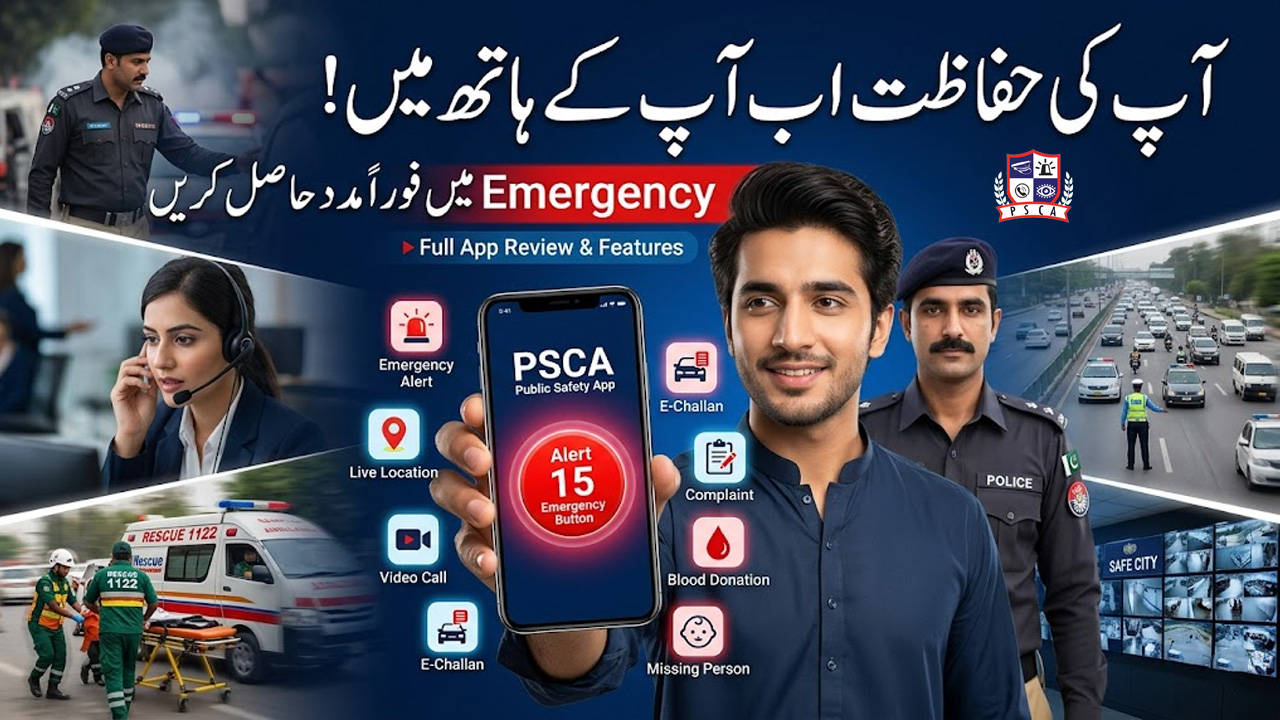
PSCA Safe City App Complete Guide: Features, Emergency Services, Live Chat & More (2026)
Introduction
The PSCA Safe City App is one of the most advanced public safety systems in Punjab, designed to connect citizens directly with law enforcement and emergency services in real time.
This system is developed and managed under the supervision of Punjab Safe Cities Authority and works closely with Punjab Police.
The app allows citizens to report emergencies, use live video communication with police, access CCTV monitoring support, and even use social welfare features like blood donation requests.
What is PSCA Safe City App?
PSCA Safe City App is a smart digital platform that connects citizens with police and emergency services using modern technology.
It provides:
- Live police video call support
- Emergency reporting system
- Live chat with authorities
- Phone call integration
- CCTV-based monitoring assistance
- Blood donation network
- Location-based safety services
This app is designed to improve public safety and reduce emergency response time.
Key Features of PSCA Safe City App
1. Live Video Call with Police
Users can directly connect with police through video call in emergency situations.
2. Live Chat Support
Instant chat system to report issues or get assistance.
3. Phone Call Integration
One-tap calling feature for emergency response.
4. Emergency SOS System
Quick SOS button to alert nearest police unit.
5. CCTV Monitoring Support
Access and reporting system linked with Safe City cameras.
6. Crime Reporting System
Report incidents like:
- Theft
- Harassment
- Road accidents
- Suspicious activity
7. Blood Donation Feature
Users can:
- Request blood in emergencies
- Register as donors
- Connect with nearby donors
8. Location Tracking System
Sends real-time location to authorities during emergencies.
9. Complaint Registration System
Submit complaints directly to relevant departments.
10. Police Response Tracking
Track response status of emergency or complaint.
How to Use PSCA Safe City App (Step-by-Step Guide)
Step 1: Install App
Download the PSCA Safe City App from Play Store.
Step 2: Create Account
Register using:
- Mobile number
- CNIC
- Verification code
Step 3: Enable Location Access
Allow location permission for emergency services.
Step 4: Choose Service
Select required option:
- Emergency call
- Video call
- Chat support
- Complaint
Step 5: Submit Request
Send your request with details and location.
How Live Police Video Call Works
- Open app
- Tap “Video Call” option
- Connect to control room
- Explain your emergency
Police responds instantly and coordinates assistance.
How Emergency SOS System Works
- Press SOS button
- Location automatically shared
- Nearby police units alerted
- Response team dispatched
Blood Donation System in PSCA App
Features:
- Search donors nearby
- Request urgent blood
- Register as donor
- Filter by blood group
This feature helps save lives during emergencies.
How to Use Live Chat Feature
- Open PSCA Safe City App
- Select “Chat Support”
- Type your issue
- Get instant response
Benefits of PSCA Safe City App
✔ Instant police access
✔ Fast emergency response
✔ Live communication options
✔ Blood donation support system
✔ CCTV-backed security network
✔ Improved public safety
✔ Digital complaint handling
Safety Tips for Users
- Always use official app
- Do not misuse SOS feature
- Share correct location
- Keep app updated
- Use only in real emergencies
FAQs
1. What is PSCA Safe City App used for?
It is used for emergency reporting, police communication, and public safety services.
2. Can I call police through video?
Yes, live video call feature is available.
3. Does the app include blood donation service?
Yes, users can request or donate blood.
4. Is PSCA Safe City App official?
Yes, it is developed by Punjab Safe Cities Authority.
5. Can I track my complaint or emergency request?
Yes, tracking system is available in the app.
Conclusion
PSCA Safe City App is a modern public safety solution that connects citizens directly with law enforcement and emergency services. Managed by Punjab Safe Cities Authority in coordination with Punjab Police, it provides advanced features like live video calls, SOS alerts, chat support, CCTV monitoring, and blood donation services.
This app plays a major role in improving safety, emergency response, and communication between citizens and authorities in Punjab.